Skip to Main Content

‘Tis the Season to Stay Cyber-Smart! Are You Prepared?

As winter settles in and the holiday season ramps up, it’s not just festive messages and cheerful greetings filling our inboxes. Today’s digital world is more sophisticated than ever — with artificial intelligence capable of mimicking voices, faces, and even emotions. This year, we’re shining a spotlight on how deepfakes and AI-driven scams can blur the line between what’s genuine and what’s not.

From convincing videos of public figures to scam calls using cloned voices or misleading images circulating online, staying cautious is essential. Don’t assume something is real just because it looks or sounds familiar. Pause, verify, and think critically before you click, share, or respond. A moment of awareness is your strongest defense this holiday season.

Throughout the week, we’ll break down what to watch for, how to safeguard your information, and how you can help others stay protected during the winter holidays.

Cybersecurity Meets Holiday Cheer at the DTS All-Staff!

Join us at the Cybersecurity Awareness Booth during the DTS All-Staff event on December 16, 2025.
Give the prize wheel a spin, pick up festive swag, and learn practical tips to stay safe online — all while enjoying the season’s celebrations.

Why It Matters

Cybersecurity isn’t just the job of IT teams — it’s a shared responsibility across our entire campus. As AI reshapes the digital landscape, staying informed and aware is more important than ever. Whether you’re spotting a suspicious email or double-checking the source of a video, your vigilance helps safeguard our community.

Let’s work together to build a safer, smarter digital campus — one thoughtful click, one informed conversation, and one secure action at a time.

Together, Bruins can help prevent cyberattacks this holiday season!

Are you Holiday Cyber-safe?

Tis' the season for scams. Test your knowledge with these Holiday-themed Cybersecurity Questions! 

To participate, you must complete the quiz on this page and show your completion results to a GRC team member at the DTS All-Staff event. Once your quiz completion is verified, you’ll earn a chance to spin the prize wheel.

One quiz completion per person.
This opportunity is available only on December 16, 2025.

A Practical Guide to Protect Against Phishing

Member for

4 years 10 months
Full Name
Sylvia Condro

Phishing remains one of the most common and effective pathways for cyberattacks on universities. Whether the target is a first-year student, a tenured faculty member or an administrative staff member, the consequences can include lost data, disrupted research, financial fraud and reputational harm. Below is a brief, factual and actionable guide to protect every campus community member.

Why this matters (three perspectives)

  • Students: Credentials for campus systems and learning platforms are high-value and frequently reused — exposing personal information and access to services.
  • Faculty: Research data, grant information and intellectual property are attractive targets; a single compromised account can derail projects.
  • Staff: Administrative accounts often have privileges over payroll, procurement and sensitive records — making them prime phishing payoffs.

Practical protections you can adopt today

Assume caution, verify always

  • Pause before clicking. Verify unexpected or urgent requests by contacting the sender through a known channel (not by replying to the suspicious email).
  • Inspect sender addresses carefully — look beyond display names for domain spoofing.

Use strong, unique authentication

  • Enable multi-factor authentication (MFA) on all accounts. Prefer hardware tokens or phishing-resistant methods where available.
  • Avoid password reuse; use a reputable password manager.

Treat links and attachments as potential threats

  • Hover to preview URLs before clicking. If a URL looks unfamiliar, type the institution’s site address manually.
  • Scan attachments with institutionally approved tools; be especially wary of compressed files and macros in documents.

Be aware of social engineering cues

  • Red flags: unexpected urgency, requests for credentials or payments, odd salutations and slightly altered branding or grammar.
  • Watch for conversational phishing delivered via SMS or social platforms.

Keep devices and software current

  • Apply OS and application updates promptly and use institutionally managed endpoint protection where provided.

If you suspect phishing, act quickly

  • Report immediately to your campus IT/security helpdesk using the official reporting channel.
  • Do not forward the suspicious message to others; use the institution’s report mechanism so security teams can analyze and contain threats.
  • Change credentials and review account activity if you clicked a link or provided information. Notify any affected collaborators.

A shared responsibility

Protecting our campus is everyone’s responsibility. Small, consistent actions — verification, MFA, careful handling of links and attachments and prompt reporting — dramatically reduce exposure and keep students, faculty, and staff safe.

Remember to #becybersafeUCLA!

Learn more about Cybersecurity Awareness Month at UCLA — and enter the raffle for a chance to win tickets to the UCLA vs. USC football game — by visiting Cybersecurity Awareness Month 2025.

Tags

Ransomware Prevention

Member for

4 years 10 months
Full Name
Sylvia Condro

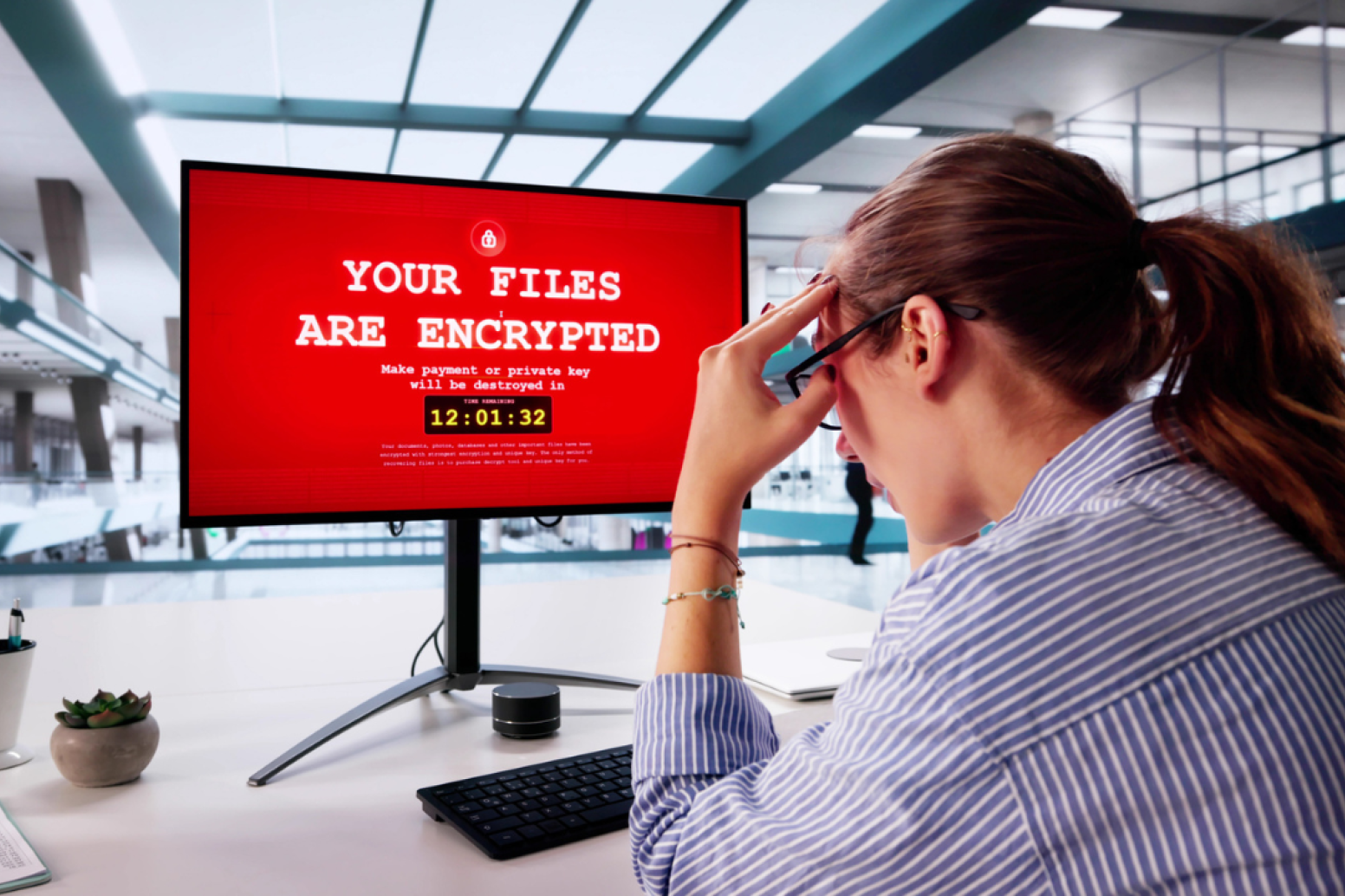
Cybersecurity Awareness Month continues at UCLA, and this week we turn our attention to a growing and disruptive threat: ransomware.

Ransomware attacks can lock you out of your files, your device, or even threaten to publish sensitive data unless a ransom is paid. These attacks don’t just target large corporations—students, faculty, and staff are all potential victims. The good news? With awareness and preparation, you can greatly reduce your risk.
What You Can Do as a Student

Think of your laptop or phone as your digital backpack — if ransomware takes over, you could lose class notes, research data and personal files. The best protection is regular, secure backups. Store copies of your work in UCLA-approved cloud services or on an external drive you keep disconnected when not in use. If you spot suspicious links or downloads, don’t take the risk. Report it.

What You Can Do as Faculty

Faculty often handle valuable research and sensitive student data, making you a prime target. Protect your work by using Multi-Factor Authentication (MFA) on all UCLA accounts, and customize privacy settings to reduce exposure. If you ever suspect ransomware on your device, disconnect from the internet immediately and contact IT Security before trying to fix it yourself — quick action can prevent damage from spreading.

What You Can Do as Staff

Staff are the backbone of UCLA operations, and ransomware attackers know this. Stay alert to phishing emails and suspicious attachments, which are often the first step in these attacks. If your computer suddenly locks or files become inaccessible, don’t panic. Shut down the device, disconnect from the network and report the incident to IT right away. Never engage with attackers or consider paying the ransom — it only fuels more attacks.

A Shared Responsibility

Whether you’re a student, a professor or a member of staff, remember that ransomware thrives on delay and silence. The faster you act — by reporting suspicious activity, disconnecting compromised devices, and leaning on IT support — the better the outcome. And above all, never try to fight ransomware alone.

Cybersecurity is a team effort, and Bruins can play a powerful role in keeping UCLA safe. Together, we can stop ransomware before it spreads.

#becybersafeUCLA!

Visit our Cybersecurity Awareness Month page to learn more, explore resources, and enter the raffle for a chance to win tickets to the UCLA vs. USC football game.

Tags

A Guide to Defeat Social Engineers

Member for

4 years 10 months
Full Name
Sylvia Condro

It often starts with something that feels routine. A phone call from someone claiming to be the IT Helpdesk, urgently asking for your password to “fix a system issue.” Or an email that looks professional and enticing — an offer for your dream job in a UCLA department, but requiring an upfront payment to move forward.

These aren’t technical hacks. They’re social engineering attacks — scams that target people, not machines. Instead of breaking through firewalls, attackers exploit human psychology, using trust, fear or urgency to trick their victims into opening the door.

And these tactics are working. In 2024 alone, 68% of reported data breaches were attributed to social engineering. Worse, AI-powered tools have fueled a 442% increase in these types of attacks, making them harder than ever to recognize.

What Does Social Engineering Look Like?

  • An email pretending to be from a professor, offering you a job but requiring money up front to handle a “cost”.
  • A caller impersonating UCLA IT support, requesting your password.
  • A fake website — nearly identical to the real thing — asking you to enter your UCPath credentials.

Each of these examples relies not on technology but on psychology.

How Bruins Can Outsmart the Attackers

  • Verify before you trust. If someone asks for sensitive information or access — whether by email, phone or even in person — take a moment to confirm their identity through official UCLA channels.
  • Be wary of urgency. Social engineers want you to act quickly without thinking. Pause, reflect and verify.
  • Stay skeptical of authority claims. Attackers may pretend to be in positions of power. Remember: legitimate entities will never ask for your password.
  • Report, don’t ignore. If something feels off, report it — even if you’re unsure. At UCLA, you can file reports anonymously if needed.

A Shared Defense

The best defense against social engineering isn’t software—it’s awareness. By knowing the tactics and resisting the pressure, every student, faculty member, and staff member strengthens UCLA’s security posture. Cybersecurity truly starts with you, and it’s everyone’s responsibility.

Bruins, think before you trust. #becybersafeUCLA

Learn more about Cybersecurity Awareness Month at UCLA, access resources, and enter the raffle for a chance to win tickets to the UCLA vs. USC football game: Cybersecurity Awareness Month 2025.

Tags

Understanding Insider Threats

Member for

4 years 10 months
Full Name
Sylvia Condro

When people think of cyberattacks, they often imagine shadowy hackers breaking in from the outside. But some of the most damaging threats actually come from within. Insider threats — whether accidental, careless or intentional — can expose sensitive data, disrupt operations and put the entire UCLA community at risk. These threats are especially dangerous because they come from individuals who already have access to systems and information, making them harder to detect and stop.

Q: What exactly is an insider threat?

An insider threat is a security risk that comes from within an organization — employees, contractors or even former staff. These individuals already have access to systems or data, and whether through mistake, negligence, or intent, they can cause harm. In fact, 84% of organizations experienced at least one insider attack in 2024, and these attacks are often harder to detect than external ones.

Q: Are all insider threats malicious?

Not at all. Some are accidents. For example, an employee may mistakenly email payroll details to the wrong recipient. Others involve negligence — like saving sensitive data in an unsecured cloud folder. Of course, some cases are deliberate: a disgruntled employee leaking files or installing malware before leaving a job.

Q: Why should UCLA students, faculty, and staff care?

Because insider threats don’t just affect “the organization.” At our university, they can compromise research, expose personal data and damage trust in the entire academic community. Everyone plays a role in keeping UCLA secure.

Q: What can Bruins do to prevent insider threats?

  • Be cautious with data. Double-check before sending emails or sharing files.
  • Follow policies. Use approved storage and communication tools, not personal accounts or unsecured services.
  • Report concerns. If you notice unusual behavior — like repeated requests for data outside someone’s role — speak up. UCLA encourages a culture of reporting without fear of retaliation.
  • Stay alert. Privileged access, such as administrative rights, carries greater responsibility. Handle it carefully.

Q: What’s the most important takeaway?

That insider threats are not just an IT problem — they’re a community problem. Vigilance, communication, and a culture of security are our strongest defenses.

Bruins, cybersecurity starts with you. #becybersafeUCLA

Learn more about Cybersecurity Awareness Month at UCLA, explore resources, and enter the raffle for a chance to win tickets to the UCLA vs. USC football game: Cybersecurity Awareness Month 2025.

Tags

DDoS Attacks Explained

Member for

4 years 10 months
Full Name
Sylvia Condro

Imagine 1,000 prank callers dialing your phone at the same time. You’d never hear from the people who really needed to reach you. That’s essentially how a Distributed Denial of Service (DDoS) attack works.

Instead of phone lines, attackers target websites or online services. They hijack thousands — even millions — of devices and command them to flood a site with fake requests. The result? Real users can’t get through. Pages crash, connections slow to a crawl and entire services may be knocked offline.

In 2025, these attacks are not only more frequent but also more creative. Many are linked to extortion attempts (“pay up, or we’ll keep you offline”), while others serve as distractions for bigger crimes happening in the background.

Why Bruins Should Care

DDoS doesn’t just target corporations or governments. Universities like UCLA rely on online systems for classes, research and day-to-day operations. A successful attack could delay coursework, disrupt critical services or even mask attempts to steal sensitive data.

How to Stay Out of the Attack

The truth is, most DDoS attacks succeed because attackers hijack everyday devices — computers, phones, even smart home gadgets — and turn them into part of a botnet army. That means every one of us has a role in prevention:

  • Keep your devices updated. Security patches close the doors hackers use to take control.
  • Use strong passwords and MFA. This makes it harder for attackers to break into your accounts or devices.
  • Stay alert to performance issues. If a UCLA service suddenly slows or becomes unavailable, report it to IT Security right away. It may be more than “just a glitch.”
  • Be cautious online. Avoid suspicious links or downloads that could install malware.

Awareness Is Power

DDoS attacks may feel abstract, but their impact is real — disruption, downtime and in some cases, financial loss. By keeping devices secure and reporting suspicious slowdowns, Bruins can help protect the community from being caught in the digital traffic jam.

Bruins, stop the attack before it happens. #becybersafeUCLA

Learn more about Cybersecurity Awareness Month at UCLA, explore resources, and enter the raffle for a chance to win tickets to the UCLA vs. USC football game: Cybersecurity Awareness Month 2025.

Tags

Stay Connected

Bookmark this page, follow us on LinkedIn, join us on Slack for weekly cybersecurity tips and share information with your friends, family and colleagues to help them stay safe online.

Additional Resources